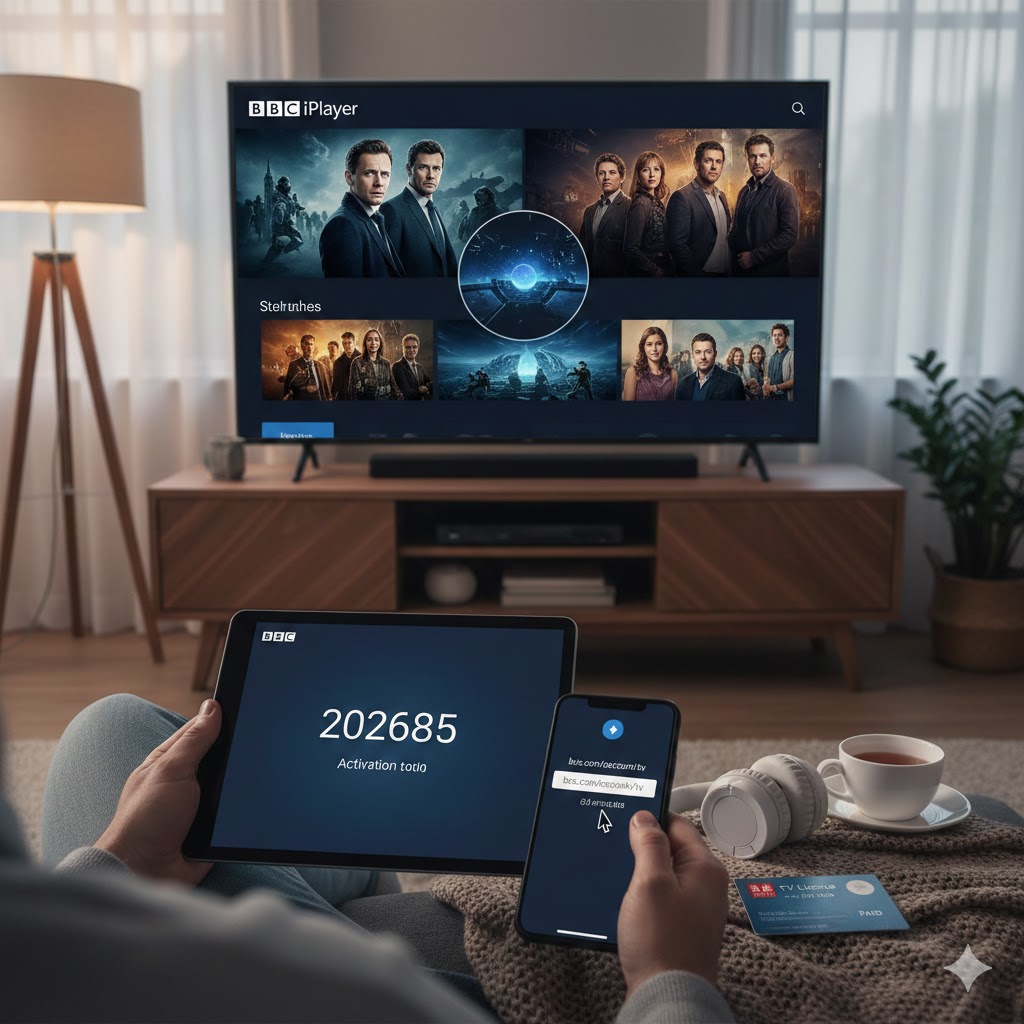
BBC iPlayer is a treasure trove of British television, offering everything from edge-of-your-seat dramas and laugh-out-loud comedies to insightful documentaries and live sports. Whether you’re keen to catch the latest series or revisit a classic film, getting started is easier than you think. This guide will walk you through everything you need to know: how to activate the service on various devices, the must-watch shows gracing the platform in 2026, and the essential requirements to start streaming.
What is BBC iPlayer?
BBC iPlayer is the British Broadcasting Corporation’s flagship on-demand and live TV streaming service. It’s a free platform that allows you to watch your favourite BBC programmes shortly after they air on traditional television, or tune into live channels broadcasting in real-time. Think of it as the BBC’s own personal streaming hub, where the best of British telly is available at your fingertips .
The service is packed with features designed to enhance your viewing experience. You can download shows to your device to watch offline, perfect for commuting or travelling . If you’re watching a live channel, you can pause, rewind, or restart the programme so you don’t miss a second . It also offers a personalised experience; by signing in, you can build a watchlist of programmes you want to see, receive recommendations based on your viewing habits, and pick up exactly where you left off on any device—whether you’re on your phone, tablet, or back at your TV .
For families, iPlayer is a fantastic resource. You can create child profiles, ensuring a safe and age-appropriate experience with content from the much-loved CBBC and CBeebies channels .
What Do You Need to Watch BBC iPlayer?
Before you dive into the world of British programming, there are a few key requirements you need to meet.
A BBC Account: The first thing you’ll need is a BBC account. The good news is that it’s completely free, quick, and easy to set up . Your account is your key to the personalised features of iPlayer, allowing you to save programmes for later and sync your progress across different devices . You can register for an account by visiting the BBC website .
A TV Licence: This is the most important legal requirement for watching BBC iPlayer in the UK. By law, you must have a TV Licence to watch or download any programmes on iPlayer, whether they are live or on-demand . This licence fee is how the BBC is funded, allowing it to create and broadcast content without commercial advertising.
A Compatible Device and Internet Connection: BBC iPlayer is available on a huge range of devices. You can watch it on your computer via the website, or download the app on your smartphone or tablet—it’s compatible with Amazon Fire, Android, and iOS devices . To get the big-screen experience, you can access iPlayer on most Smart TVs, games consoles, and streaming devices like Freesat, Sky, Virgin Media, and YouView . Naturally, you’ll need a stable internet connection to stream programmes, and if you want to download shows for offline viewing, you’ll need enough storage space on your device .
Location: Due to licensing agreements, BBC iPlayer is primarily designed for users within the United Kingdom. If you are trying to access it from abroad, you will likely encounter a message saying the service is not available in your location.
How to Activate BBC iPlayer on Different Devices
Getting iPlayer up and running is a breeze. The process varies slightly depending on whether you’re using a mobile device, a computer, or a TV.
On a Computer, Mobile, or Tablet
For computers, the process is as simple as visiting the website. On your phone or tablet, you’ll first need to download the official BBC iPlayer app from the Google Play Store (for Android) or the App Store (for iOS) .
Once you’re on the site or have the app open, look for the “Sign In” button, usually located at the top left of the screen . You will then be prompted to enter the email address and password associated with your BBC account. After entering your details, tap or click “Sign in,” and you’re ready to start exploring the vast library of content .
On a TV (Using an Activation Code)
Activating iPlayer on a TV is slightly different and uses an activation code to link your TV to your BBC account securely. Here’s a step-by-step guide :
Step 1: Open the App and Get Your Code. Turn on your TV and launch the BBC iPlayer application. You’ll be greeted by a sign-in screen. Select the option to sign in. Your TV will then display a unique 6-digit activation code and a web address (www.bbc.com/tvcode) .
Step 2: Go to the Activation Website. On a separate device—like your smartphone, tablet, or computer—open an internet browser and go to the web address shown on your TV: www.bbc.com/tvcode .
Step 3: Enter the Code and Sign In. On the website, you’ll see a field to enter the 6-digit code from your TV screen. Type it in and select the option to continue. You will then be asked to sign in with your BBC account email address and password .
Step 4: Confirm and Enjoy. After signing in, the website will confirm that the code has been accepted. Wait a few seconds for your TV to sync up with the activation, and voilà! You are now signed in on your TV and can start watching .
The activation code is designed for one-time use by a single person and will expire after 60 minutes if not used, so make sure to complete the process promptly . If you don’t have a second device to use, some TVs also offer the option to sign in using your remote control or even via a telephone call for older devices .
Disclaimer: This blog is independently created and operated by NESTTEXT. We are not affiliated with, endorsed by, or officially connected to the British Broadcasting Corporation (BBC) or BBC iPlayer. All trademarks, service marks, product names, and logos appearing on this site are the property of their respective owners, including the BBC. The information provided here is for general informational and educational purposes only.